Team Collage
In
this section you will be given some tasks to help you get to know your
team members. You will start with a personal task and then you will work
on some tasks as a team.
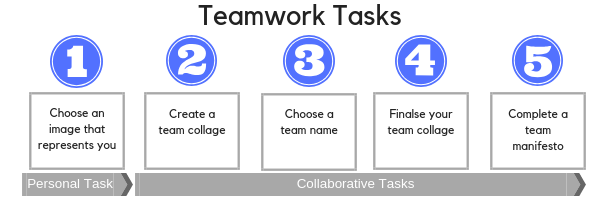
Task 1 - Choose an image
Choose an image that represents you, your culture/background, your values or your interests in the most accurate way possible.
Think: What characterises you? What is unique about you? What are your strongest characteristics?
Explain why you chose this image and write down your explanation ready to share on your team’s Google Drawing when you start creating a collage (see instructions below).
Task 2 - Create a team collage
Create a Google Drawing page for your team.
Add YOUR individual image to your team's page and insert your explanation (as above) in a text block near the image.
N.B. See past examples and tutorials below for using Google Draw:
Tutorial for "Google drawings"
https://support.google.com/docs/answer/179740?co=GENIE.Platform%3DDesktop&hl=en
Establish contact with other members in your team (see section about communication - you can choose email, WhatsApp etc).
Look at the other group members' pictures and their comments that have been added to the collaborative Google Drawing file.
In your group, discuss what do your group members have in common?
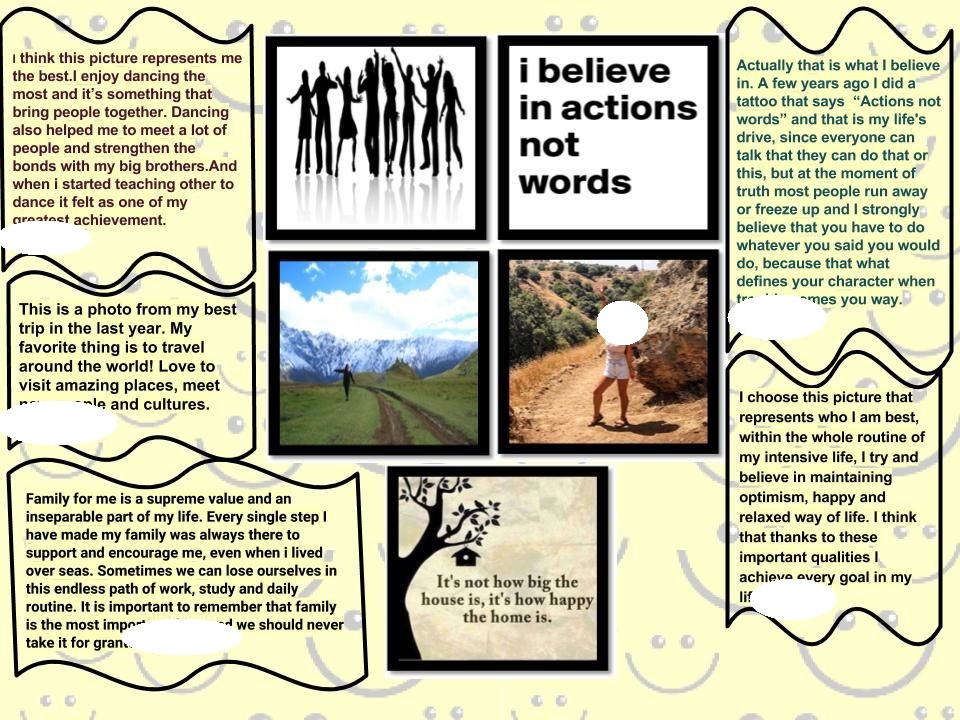
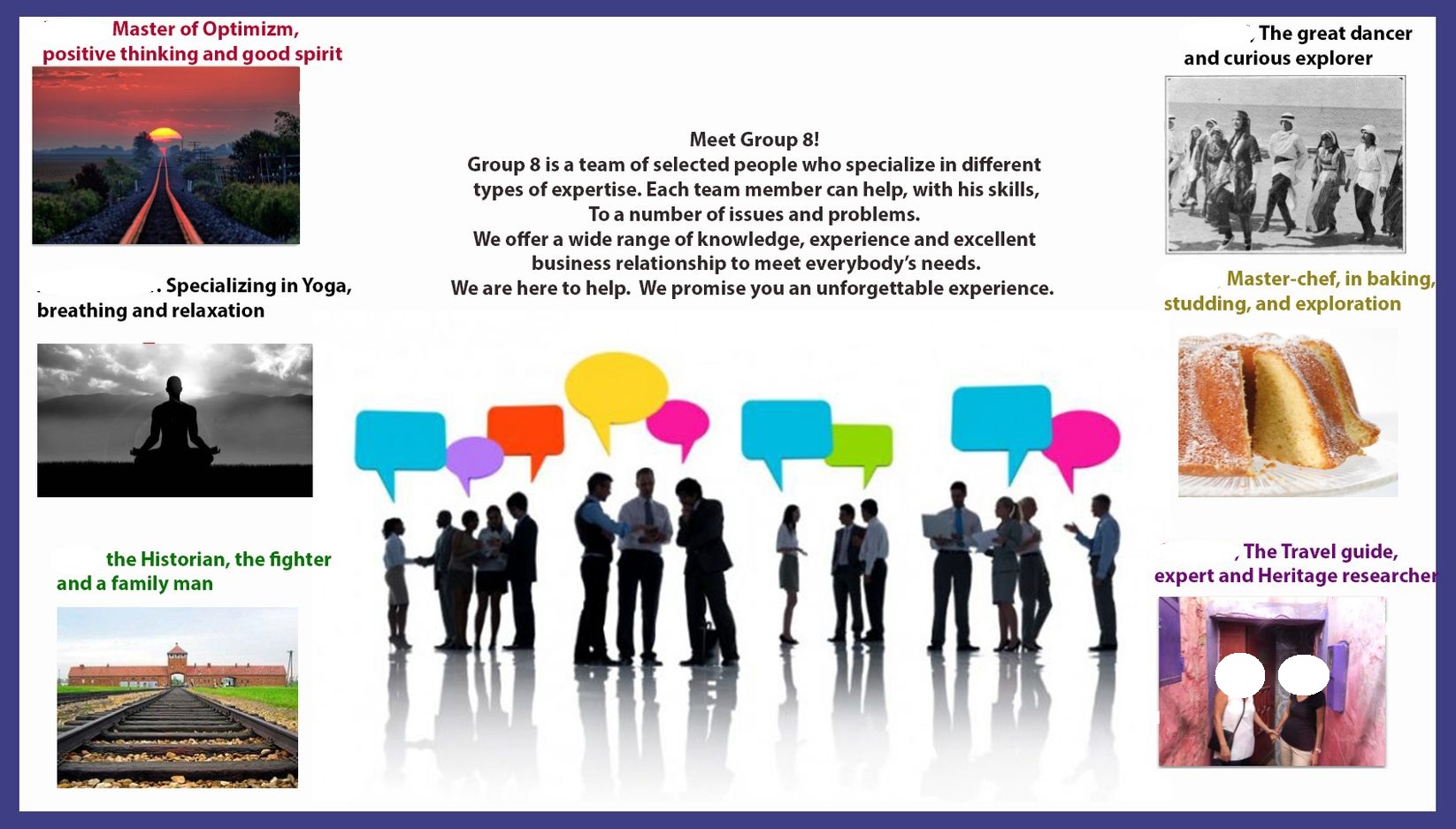
Some past collage examples include:
Task 3 - Choose a team name
Can you decide on a name that represents your team? Think of your common interests, values, culture etc.
Task 4 - Finalise your group collage
Discuss how to create a group collage that represents the common and unique charateristics of your team.
Combine your individual images and write your perspectives in the collage.
Include your team name. Upload your file to the collage DATABASE below
Task 5 - Complete a team manifesto
Complete
the team manifesto template below and upload to the site to the manifesto DATABASE
Use the Q&A Forum below to ask any questions.